




Updates
[Update] Zone editor and new Island settings!
By Fran ·
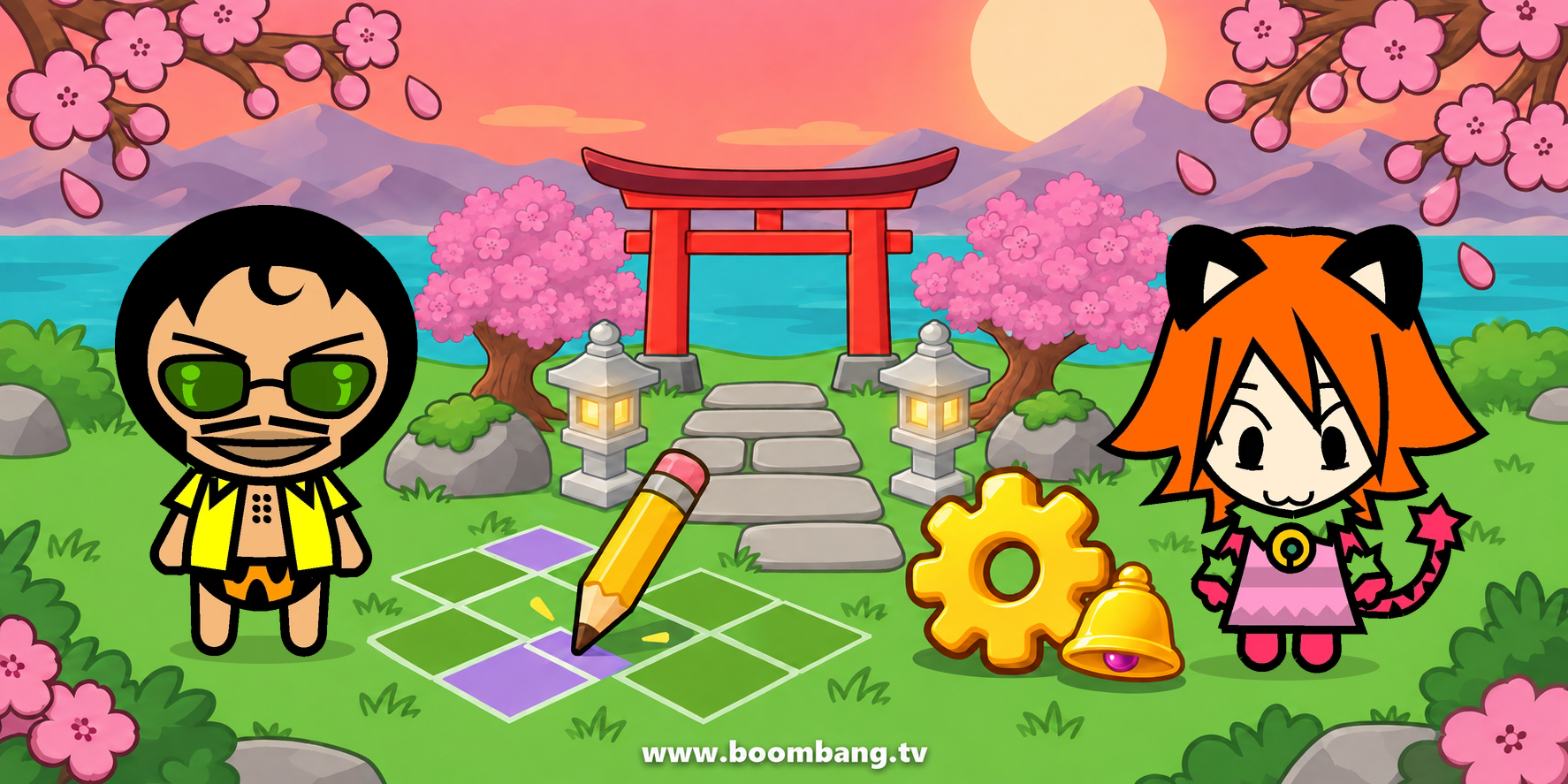
Your island, your way. With the new zone editor you can completely redesign a zone of your island without leaving the game: the sky, the ground, the decorations, where avatars can walk and even how big they look.
How does it work? Enter a zone of your island, press Edit and choose Layers and floor. Everything you change is shown right away, before you publish it.
Layers: the scenery is made of layers. Delete the ones you don't want and upload your own images (PNG, WebP or JPEG, up to 2024×1314 px and 4 MB each, up to 40 layers per zone). Drag each one into place and decide whether it goes in the background, with depth (avatars walk in front of it and behind it) or in front of everything.
Colourable: if you mark an image as colourable, you can change its colour whenever you like. For best results, draw it in a single colour with its shading.
Floor: paint where avatars can walk, where there are walls or water, where only objects can go and where the door your visitors come in through is.
Settings: move the floor over your drawing, resize it and change the avatar scale, with a live preview.
When you like it, press Publish: the zone changes instantly for you and for everyone inside. You can publish up to 50 times a month, and anything you don't publish is kept as a draft.
The editor is available to VIP Supremo subscribers, in the zones of their own islands and on the PC version.
Zones must follow the BoomBang rules. If you see one that doesn't, report it with the Report zone button: the team can remove a zone and block the editor for anyone who misuses it.
And there's more: Island settings are here. One panel to decide who gets into your island, who helps you decorate it and how it is moderated, without leaving the zone.
Where is it? Press the gear: you'll find it on the side bar when you are in a zone of your island, and also on the island view.
Basic: change the name of the zone, the name of the island and its description.
Access: each zone can be open, password protected or have a doorbell. With a doorbell, whoever wants to come in rings and you, or someone with rights who is inside, decides whether to open. Zones with a doorbell show a bell. Here you also choose whether uppercuts, coconuts, potions and push and pull are allowed on your island.
Rights: give rights to your friends, or to anyone by typing their name. Users with rights always get in, with no password or doorbell, and can move and edit objects, rename and recolour zones and use the TV.
Guest objects: users with rights on your island can now place objects from their own backpack on it. The object is still theirs: you can see who placed it, and it goes back to their backpack if they pick it up, if you remove it or if they lose their rights. From the backpack, under My objects on other islands, you can see where each one is and bring it back whenever you like. If you have a security key, you are asked for it once per session before placing on an island that is not yours.
Moderate: kick from the zone, mute or ban from the island anyone who misbehaves, from their profile (the red card) or by typing their name. Bans can last an hour, a day or forever, and you decide whether users with rights can moderate too. You can also mute a whole zone or let avatars walk through each other.
Log: the history of what happens to the objects on your island: who placed, moved or picked up each thing.
Island settings are for every island owner.
What will you build? Show us your island on the forum!